

Rent a Car in Kuala Lumpur in 5 Easy Steps
Want to rent a car in Kuala Lumpur without forms or counters? Here is how.
We built Kuala Lumpur Rent-A-Car around one idea: renting a car should be quick, clear and free of surprises. No long forms, no counters, no hidden charges. You can book in a few minutes from your phone, and the car comes to you. Here is how it works, step by step.
Step 1: Choose your car
Open the Fleet page and browse by class. Economy cars such as the Perodua Axia, Myvi and Proton Saga are perfect for city driving and start from RM90 a day. Premium sedans and SUVs such as the Honda City, Toyota Vios, Proton X70 and Honda CR-V add space and comfort. For groups and special occasions, our Luxury class includes the Toyota Alphard and Vellfire, BMW 530i and X5, and electric MPVs such as the Zeekr 009. Tap any car to see its full specifications, photos and package prices.
Step 2: Tap Book and add your details
Every car card and car page has a Book button. Tap it and WhatsApp opens with that car and its daily price already filled in. Add your delivery location, whether a home address, hotel, office or KLIA, plus your pick-up and return dates, and send.
Step 3: Get your quote on WhatsApp
Our team replies on WhatsApp with availability and your total price, including any package discount and delivery charge. Rentals of 7 days or more get 10% off, 14 days 20%, 21 days 35% and 30 days or more 55%, so longer trips are automatically cheaper.
Step 4: Confirm and prepare your documents
Once you are happy with the quote, confirm your booking. We will let you know the deposit for your car, which is refundable at the end of the rental. Have the following ready for the handover:
- A valid driving licence (an International Driving Permit may be required for some foreign licences).
- Your MyKad or passport.
- Your flight details if we are meeting you at the airport.
Step 5: Receive your car
At the agreed time and place, our team arrives with your car, cleaned and checked. We do a quick walk-around together, show you the controls and hand over the keys. Then you are on your way, with 24-hour assistance for the rest of your rental.
Need help choosing? Just send us your dates, number of passengers and luggage on WhatsApp and we will recommend the right car.
Returning the car
On your return date, we collect the car from the location you choose. We check it over, and your deposit is processed according to our terms. It really is that simple.
Changing or extending your booking
Plans change, and that is fine. If you need to extend your rental, message us on WhatsApp before your return date and we will confirm availability and update your price. Extending often moves you into a cheaper package tier, so a 6-day rental that becomes 7 days gets the weekly discount on every day. If you need a different car, a different delivery address or new times, just let us know as early as possible.
Ready when you are
Browse the Kuala Lumpur Rent-A-Car fleet now and tap Book on the car you like. Your next drive is only a few taps away.
Keep reading: Long Term Car Rental Malaysia: Everything You Need to Know and Car Rental with Delivery in Kuala Lumpur: How Our Door-to-Door Service Works. Ready to drive? Browse our rental fleet in Kuala Lumpur or check our delivery coverage areas.
Rent A Car in Kuala Lumpur: FAQ
How do I book car rental in KL?
Tap Book on any car, add your delivery location and dates in WhatsApp and we reply with your quote.
Can I book a rental car on WhatsApp?
Yes, car rental WhatsApp booking is our main booking method.
What documents do I need to rent a car in Kuala Lumpur?
A valid driving licence and your MyKad or passport; some foreign licences need an IDP.
Related articles

Long Term Car Rental Malaysia: Everything You Need to Know
Thinking of renting a car for a month or more? Here is a clear guide to how long-term rental works in Malaysia and what to check before you sign.
Read article →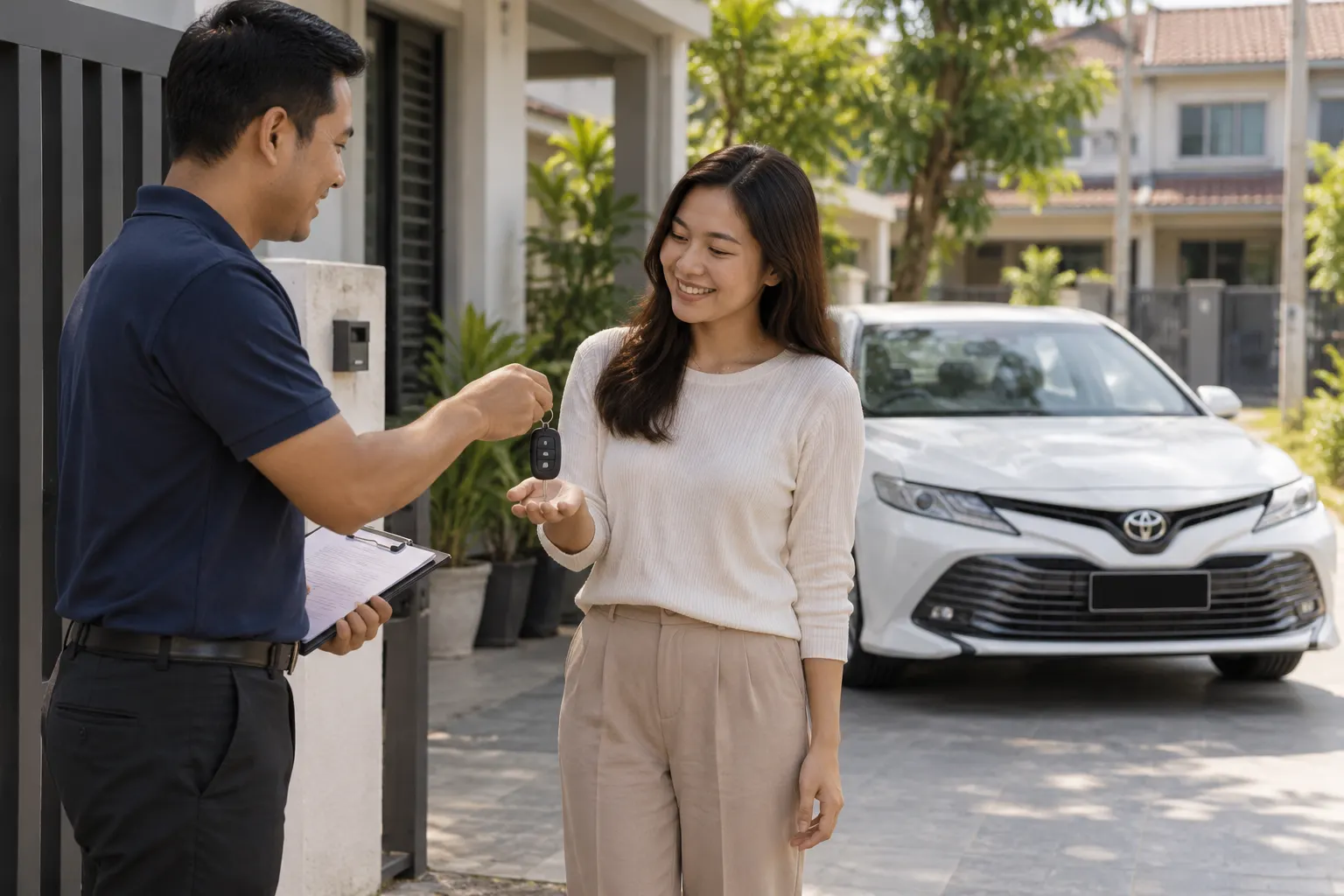
Car Rental with Delivery in Kuala Lumpur: How Our Door-to-Door Service Works
Why travel to collect a car when the car can come to you? Here is how our door-to-door delivery works across Kuala Lumpur and to KLIA.
Read article →
Traffic Jam Driving Tips Malaysia: 14 Ways to Stay Calm on KL Roads
Stuck in KL traffic? These 14 practical tips help you plan ahead, stay calm, save fuel and choose the right car for slow city roads.
Read article →